Training Videos

Basic AIR Tutorials

Work an Event

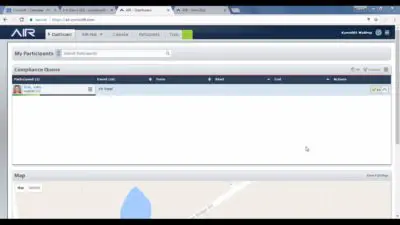
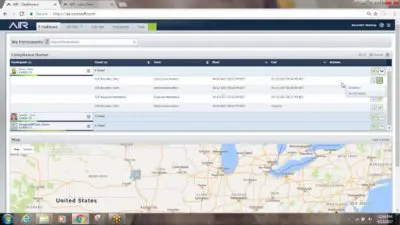
Keep it current and clean... make compliance determinations in the Compliance Queue. ...
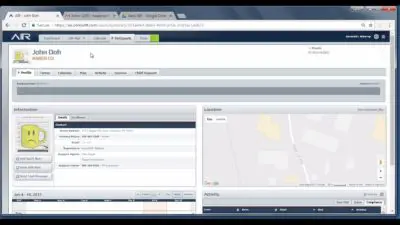
View Historical Data

AIR never archives unenrolled participant data, it is always available to you... ...
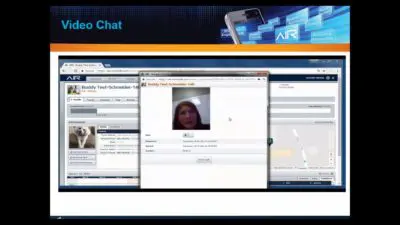
Video Chat

Virtual face to face time with your participant, anytime from AIR. View ...

Unenroll

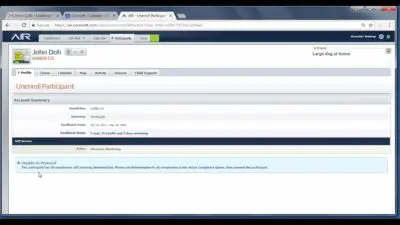
When a participant's stay on AIR is over, it's time to Unenroll ...

Re-enroll

Copy the participant's terms, zones, and all enrollment information into new profile ...

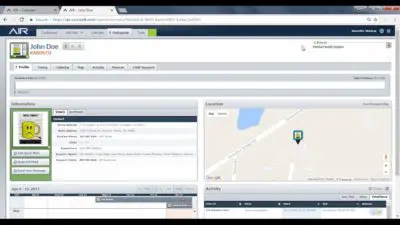
Participant Profile

Take a tour of the Participant Profile and perhaps learn some shortcuts ...

Participant Filter

View and filter specific participant information without having to run a report ...
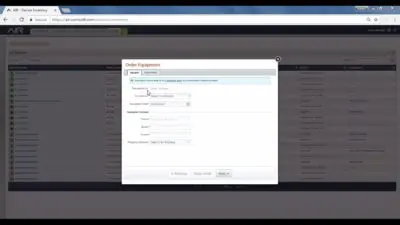
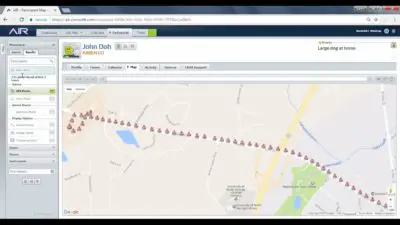
Map and Tracking

A quick overview of the layout of the Map and GPS points ...

Home Screen

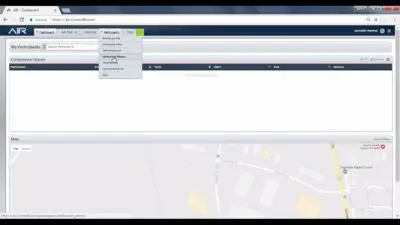
A quick overview of the layout of the Dashboard aka Home Screen ...

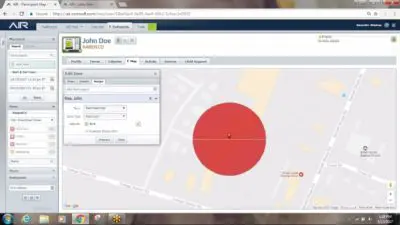
Edit a Zone

Watch a demonstration of how to edit a zone in AIR Edit ...

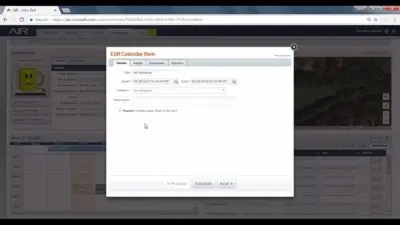
Edit a Calendar Item

Watch a demonstration of how to edit a calendar item in AIR ...

Create an “Always On” Calendar Item

How to create 24/7 schedules such as House Arrest or Restricted Area ...
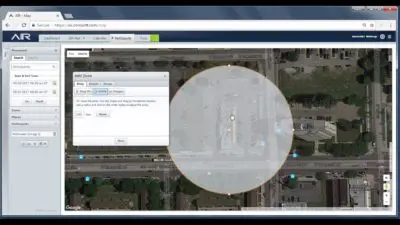
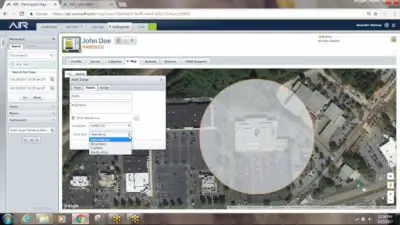
Create a Zone

Watch a demonstration of how to create a new zone in AIR ...

Create a Restricted Area Zone and Schedule

How to create a Restricted Area (Exclusion Zone) and calendar item AIR ...
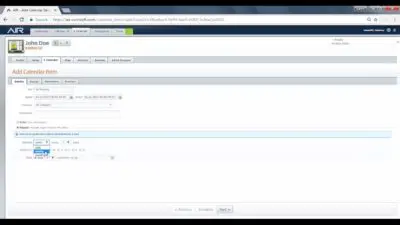
Create a Repeating Calendar Item

How to create a Curfew Schedule or similar calendar item that repeats ...
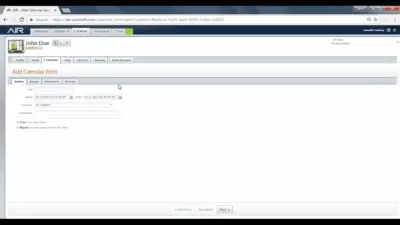
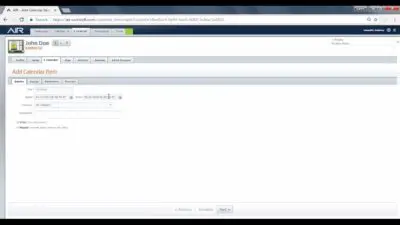
Create a One Time Calendar Item

How to create a calendar item for a specific date and time ...

Compliance Queue

Take a look at the quick links and shortcuts in the Queue ...

Always On Zones

Watch a demonstration of how to create an always on zone in ...

Advanced AIR Tutorials

Enroll

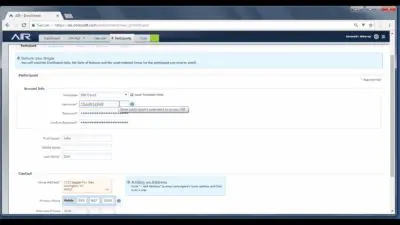
Watch a demonstration of a complete enrollment including uploading the profile photo ...

Dashboard

A more detailed look at features of the Dashboard aka Home Screen ...

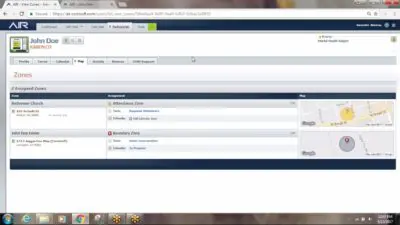
AIR Zones

A more detailed look at zones in various locations within the AIR ...